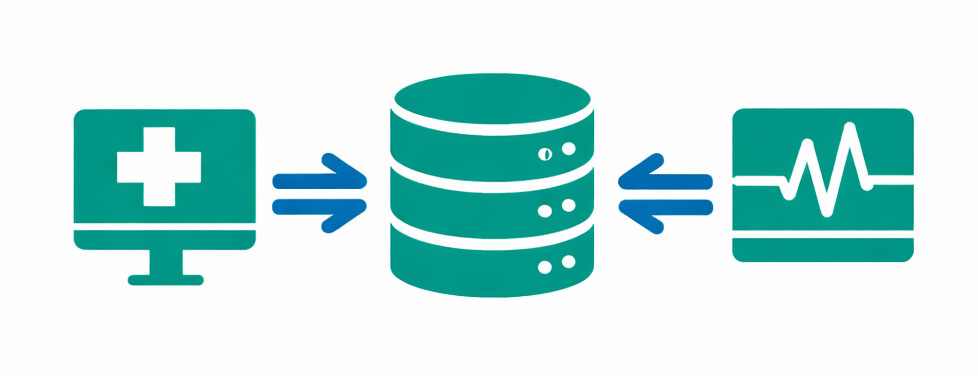



Simple EMR Integration of Neurological Pupil index™ (NPi®) data
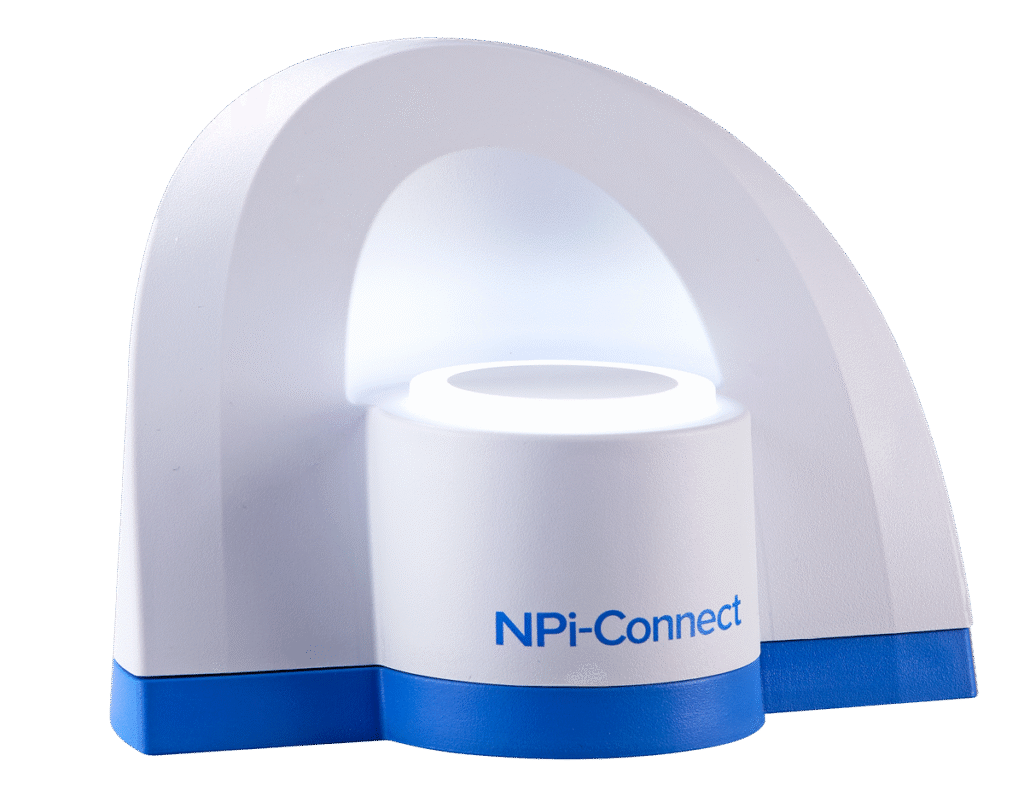

Easy to use with Light Ring indicators signifying upload progress
Improved workflow through reduced nursing charting time

Enhanced neurological monitoring through reliable pupillometry assessments trended over time

Reduced transcription errors with seamless EMR integration

Installation and configuration support including wired ethernet or wireless connections
NPi-Connect Workflow Options
Tap and Hold
Remove and Place
Tap and hold the NPi®-300 Pupillometer
with the SmartGuard® attached to NPi-Connect™.
Remove the SmartGuard® from the NPi®-300 Pupillometer
and place the SmartGuard® on the NPi-Connect™ Light Ring.
NPi-Connect Light Ring Indicators
The NPi-Connect Light Ring serves as the device’s primary user interface, providing clear, intuitive visual feedback to indicate the upload status of NPi Pupillometry data.
White Light Ring
NPi-Connect is ready for the SmartGuard to be positioned
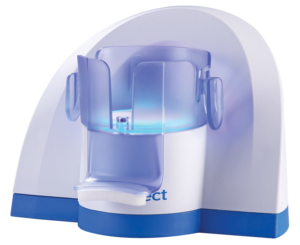
Blue Light Ring
NPi-Connect recognizes the SmartGuard and is transferring data
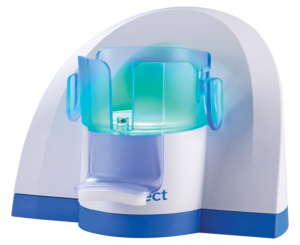
Green Light Ring
NPi-Connect has successfully transferred the patient’s pupillometry data
Product Video
Product Information
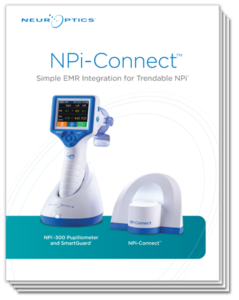
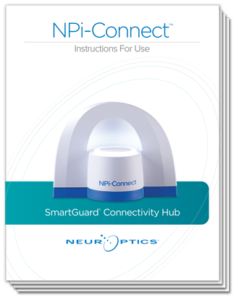
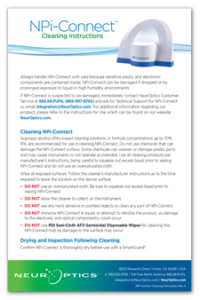
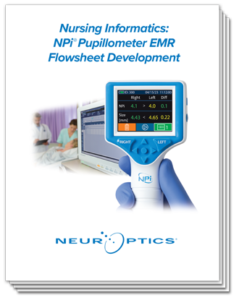
NPi-Connect is compatible with existing hospital middleware platforms